
Add Wireless Android Auto to Your Harley-Davidson Motorcycle
Add Android Auto &
Wireless CarPlay
to Your Harley-Davidson
Plug & play in 30 seconds. No tools. No wiring. Just pure freedom on the open road with navigation, music, and calls on your factory Harley screen.
Your Harley Only Has Apple CarPlay
Harley-Davidson ships every bike with CarPlay built in. If you're an Android rider, you're locked out — until now.
Before ONINCE
Your Android phone won't connect to your Harley's infotainment. No Google Maps. No Spotify. No hands-free calls. You're stuck with a phone mount and a dead battery.
With ONINCE
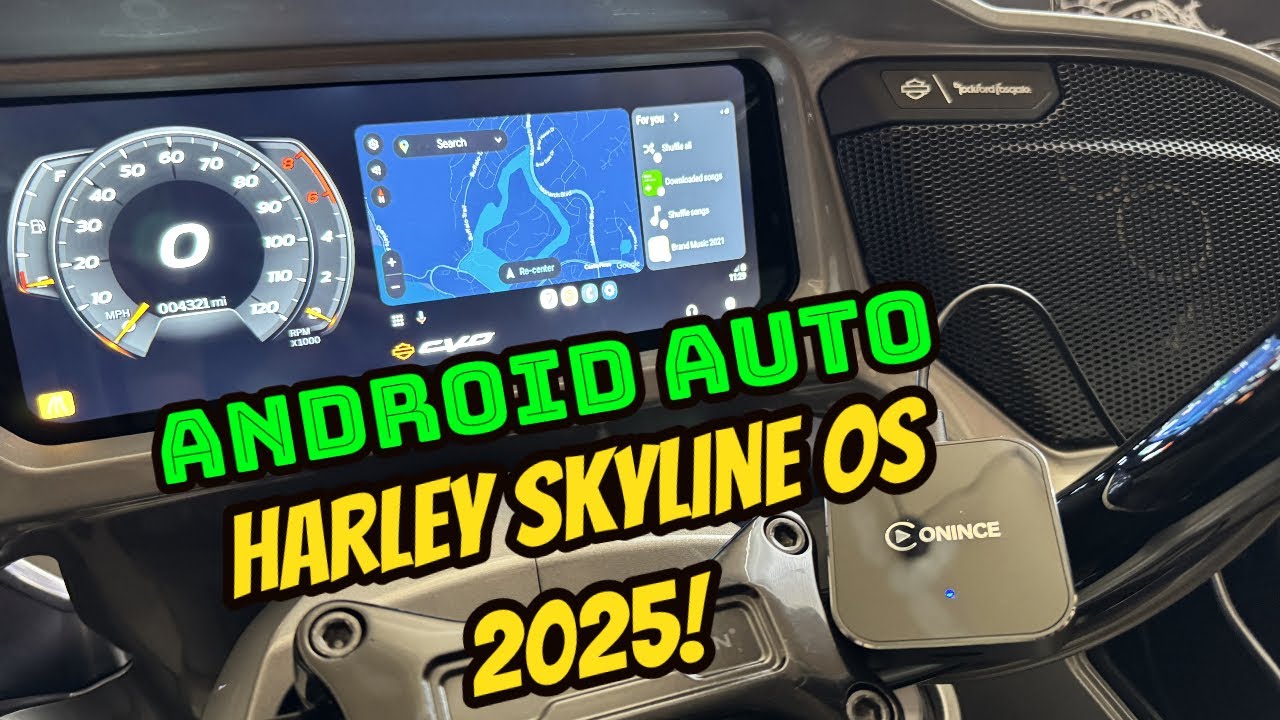
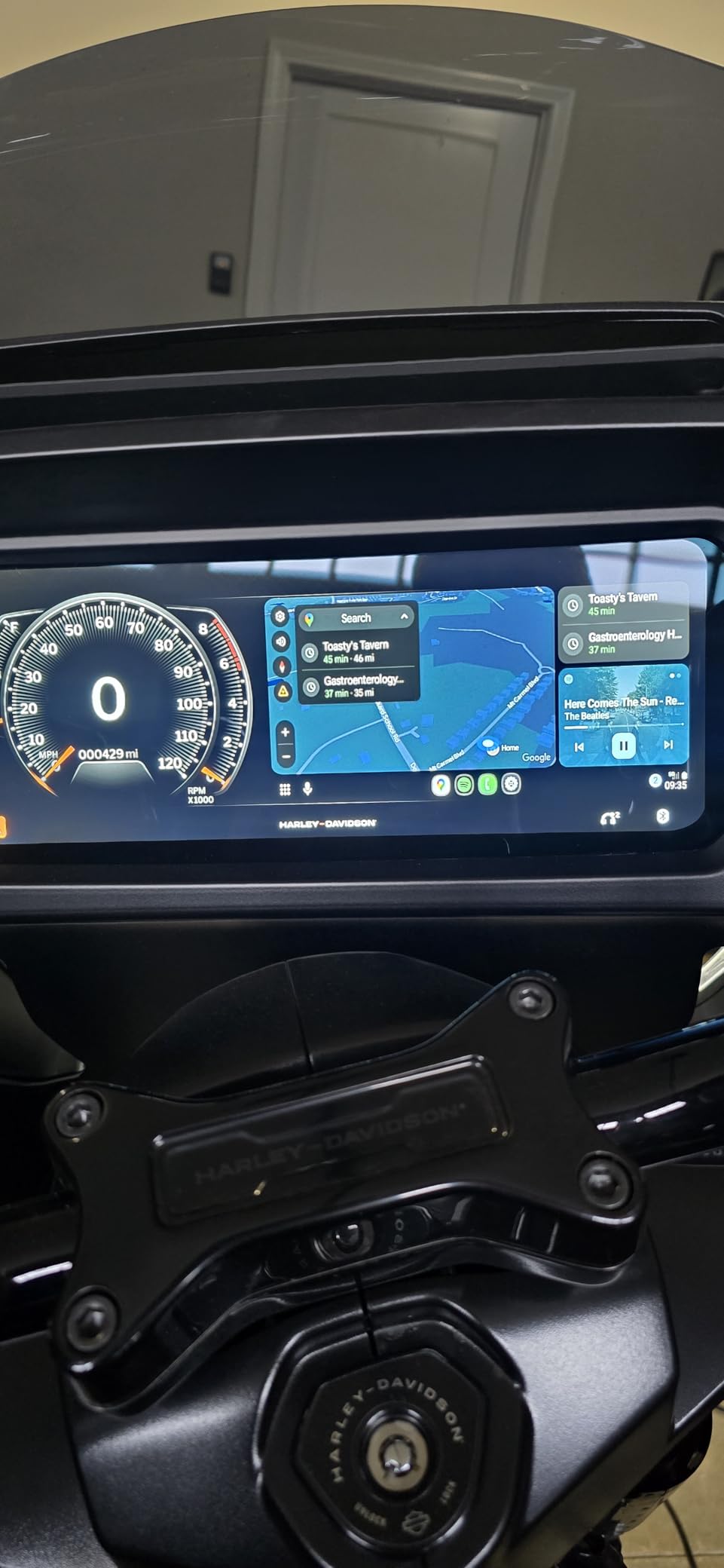
Plug in the Z3/Z4 module. Your Harley screen instantly supports wireless Android Auto — Google Maps, Spotify, Google Assistant, all hands-free. Your phone stays in your pocket.
Fits Your Model
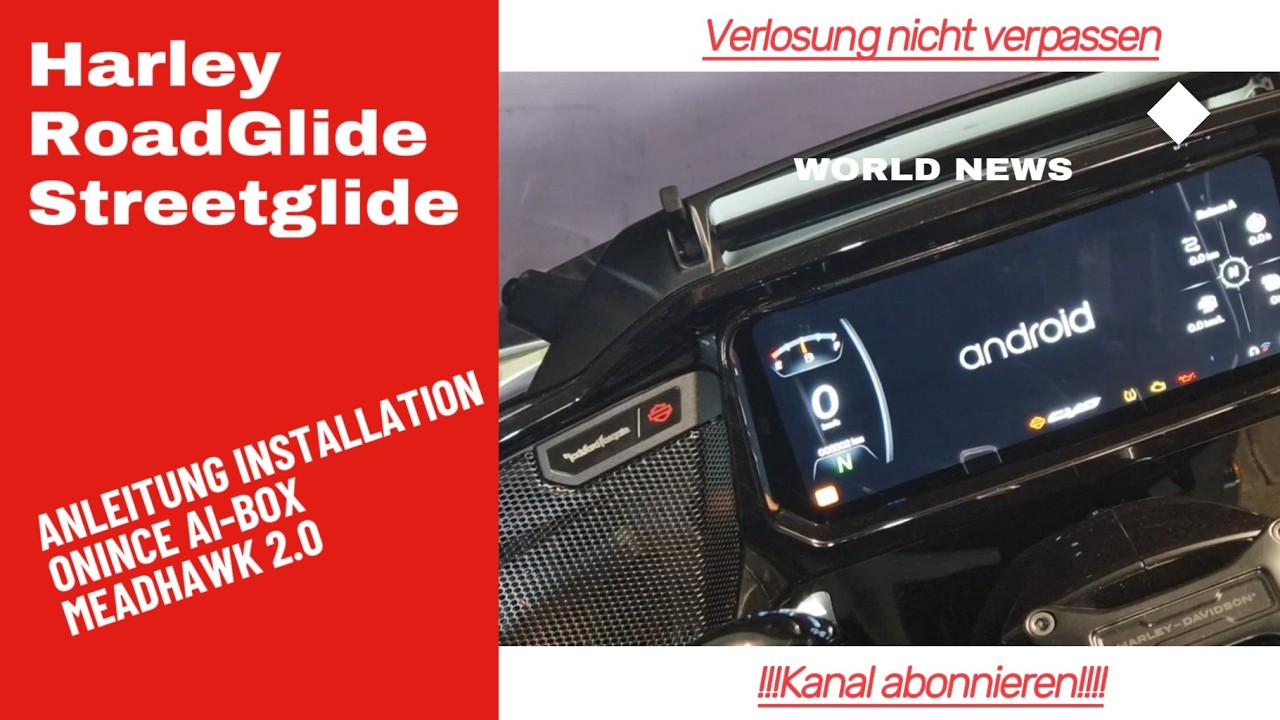
Engineered specifically for Harley-Davidson infotainment systems. One module, multiple models.
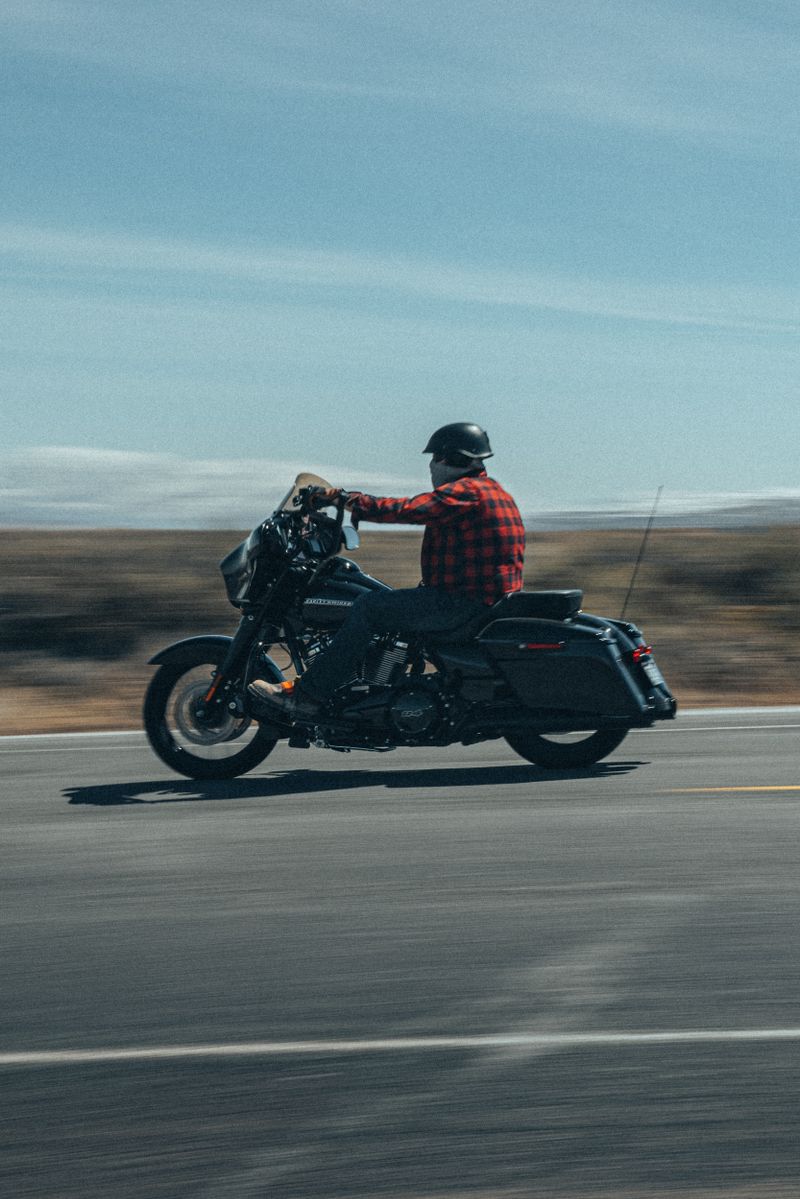
Road Glide
2024 and later
Full Support
Street Glide
2024 and newer
Plug & Play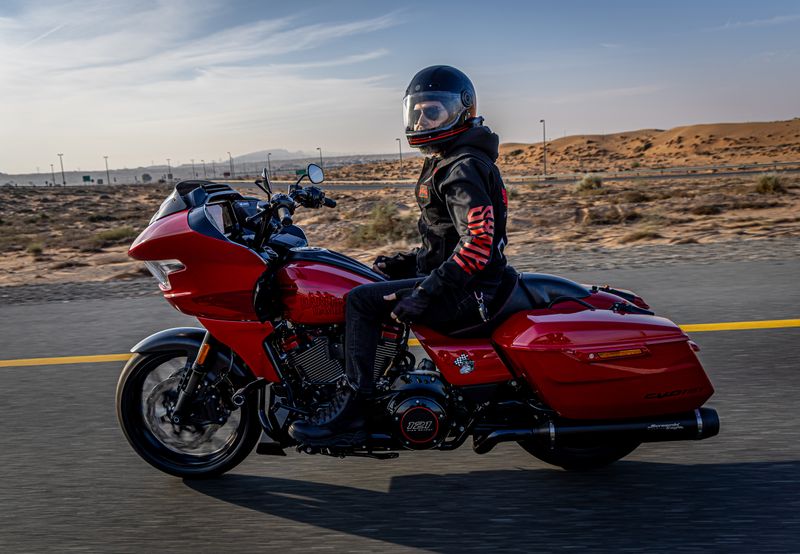
CVO Series
2024 and CVO Glide models
Premium
Skyline OS
Latest Infotainment
NativeConnected in 3 Steps
No mechanics. No tools. No frustration. Just three simple steps and you're riding with full smartphone integration.
Connect Bluetooth Helmet
First, pair your Bluetooth helmet or bypass device to the Harley. This enables the infotainment system's audio output.
Plug In Module
Connect the Z3/Z4 to your Harley's USB/Infotainment port. No tools, no wiring, no dealership visit.
Pair Your Phone
Enable Bluetooth and WiFi. Select "ONINCE-****" from your phone's Bluetooth list. Android Auto launches automatically.
Meet the Modules
Precision-engineered wireless adapters designed exclusively for Harley-Davidson motorcycles.



Z3 & Z4 Wireless Adapter
A wireless CarPlay and Android Auto module purpose-built for Harley-Davidson. Compact in size and engineered to handle the vibration and temperature extremes of motorcycle riding.
Built for the Road
Every feature engineered for motorcycle riding conditions.
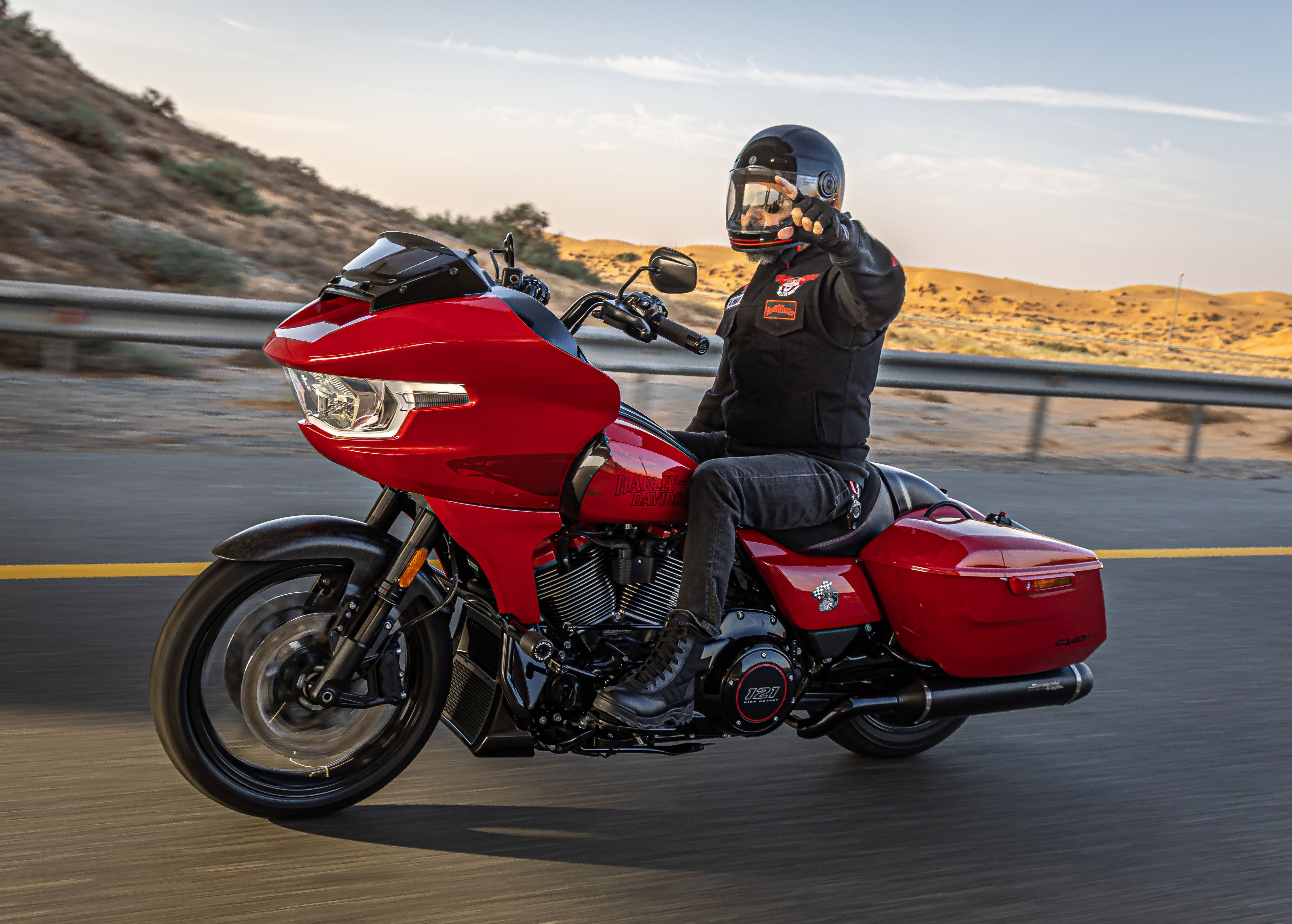
True Wireless Freedom
No cables to manage while riding. CarPlay/Android Auto connects automatically every time you start the motorcycle. Your phone stays in your pocket at all times.

Stable 5.8GHz WiFi
Dual-band WiFi provides a smooth and stable streaming experience, automatically reconnecting every time the vehicle is started.
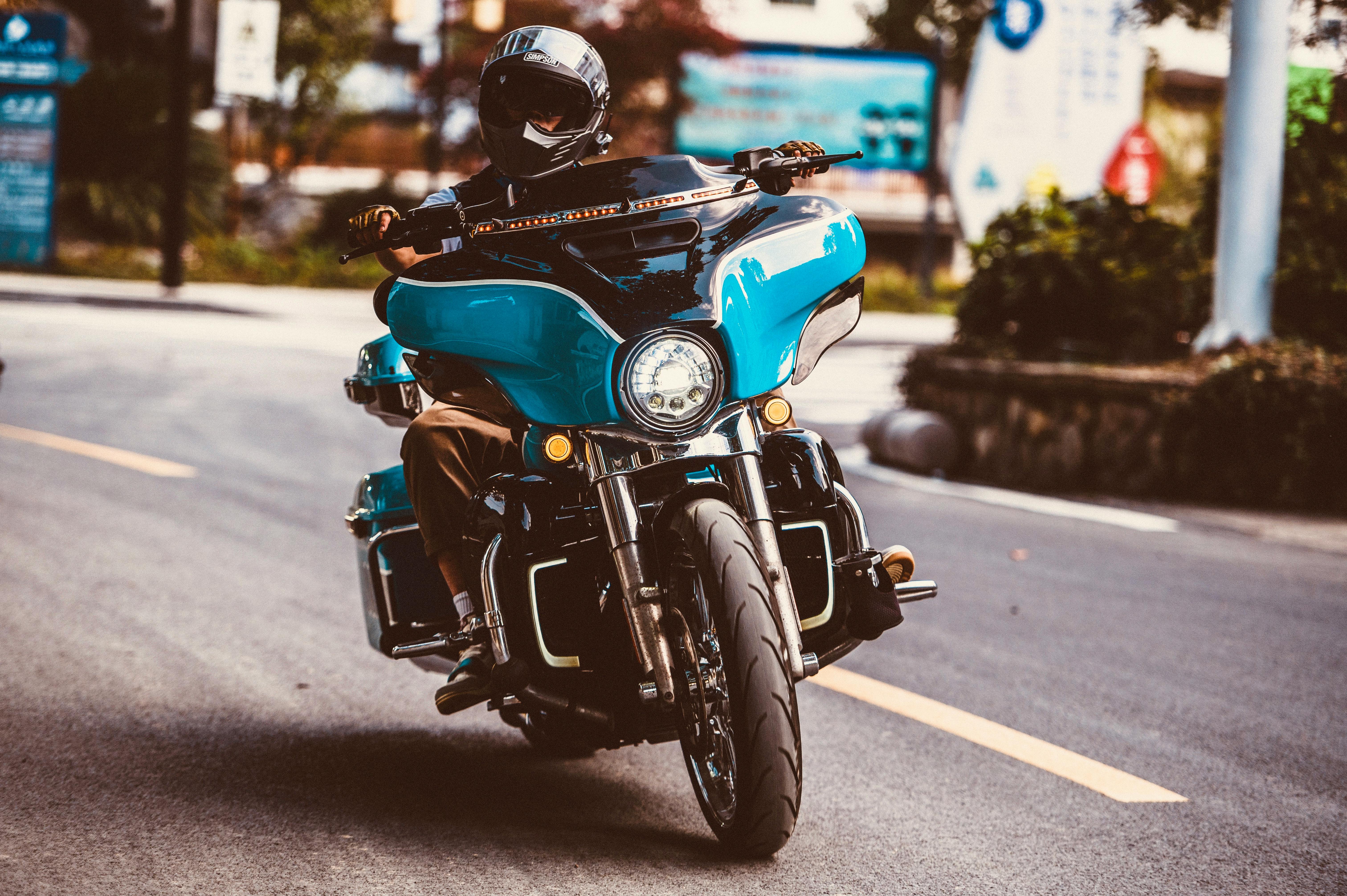
Automatic Connection
After the vehicle is started, the AI box will automatically launch within 30 seconds. No manual pairing is required for each ride.
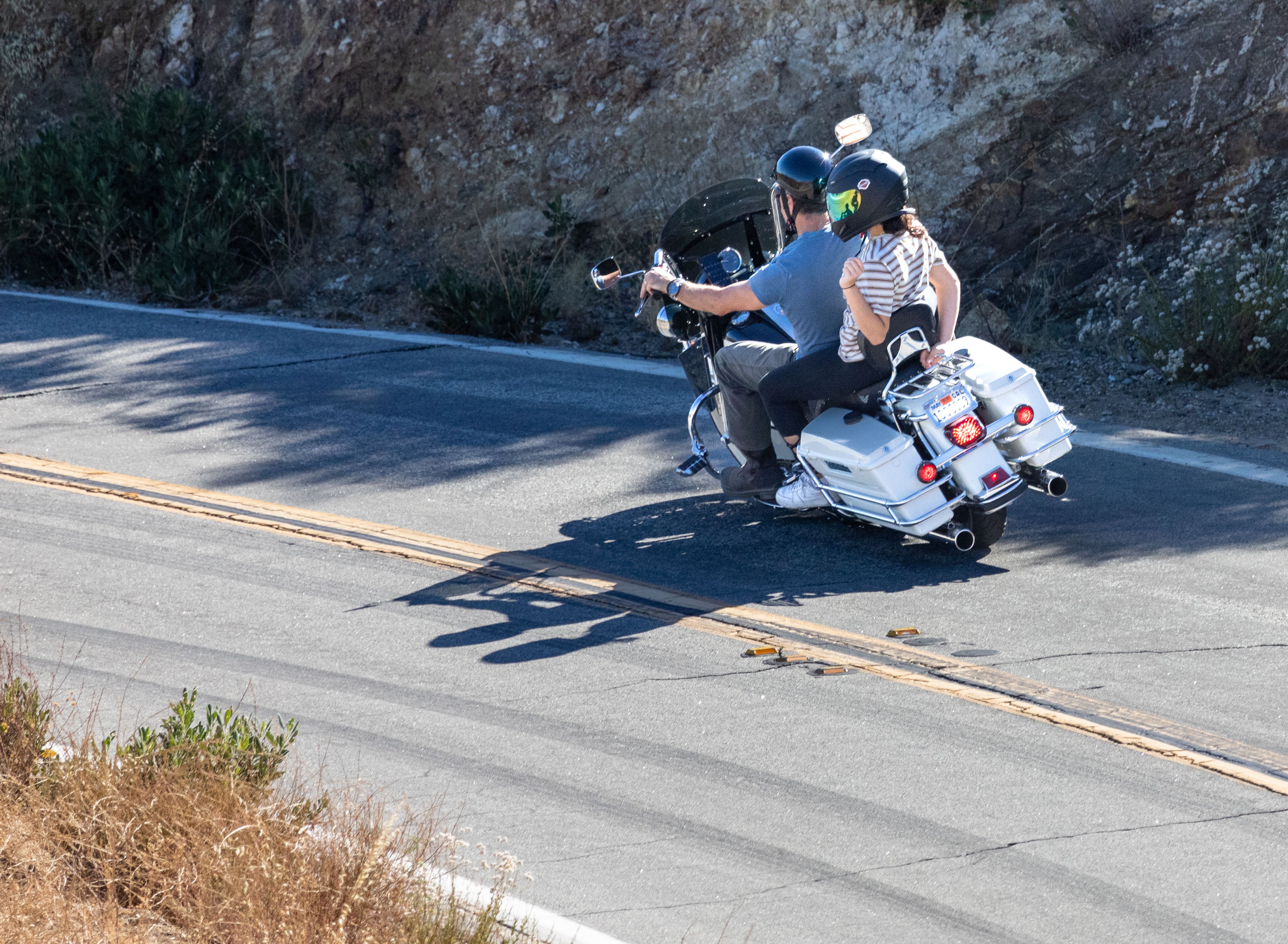
Rugged & Durable
Vibration-tested and temperature-rated for motorcycle riding. Solid construction built to handle real road conditions, not just desk use.

Enhanced Riding Experience
Enjoy a smarter ride with access to navigation, music, and apps on your Harley screen. Everything is designed to make your journey more convenient and entertaining.

Siri & Google Assistant
Full voice control for hands-free operation. "Hey Google, navigate to the nearest gas station." Keep your eyes on the road and hands on the bars.
Z3 vs Z4
Both work flawlessly. Z4 is for riders who want the absolute best.
Product Specifications
ONINCE Z3
- Product ModelONINCE Z3
- Storage2GB+16GB
- ConnectorUSB-A, USB-C
- Cable15cm
- Temp Range-20°C to 70°C
ONINCE Z4
- Product ModelONINCE Z4
- Storage4GB+32GB
- ConnectorUSB-A, USB-C
- Cable15cm
- Temp Range-20°C to 70°C
Riders Love It
Real reviews from real Harley owners. No bots. No fakes. Just riders.
📸 Real Photos from Real Riders
upsidlvr
"Don't give up! The secret is in the Clean Slate setup. I almost returned this, but once I disconnected all existing Bluetooth connections and started fresh, the Android icon appeared and it works awesome!"
Verified Amazon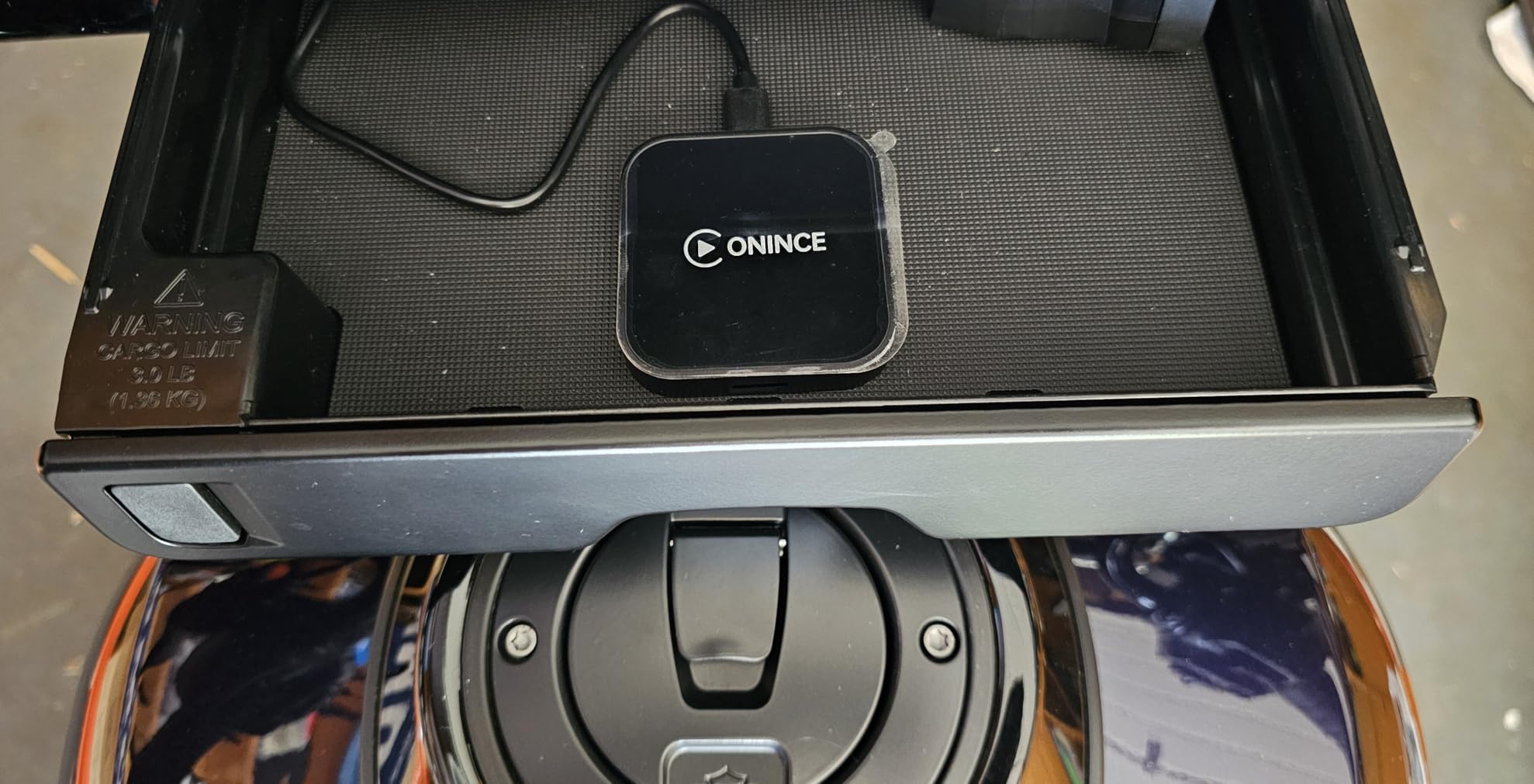
William L.
"Great, allows have Android Auto on 2023.5 Harley Davidson Tourer and up. Excellent box for adding Android Auto to my 2025 Harley Street Glide, which originally only supports CarPlay! Good quality of finish."
Verified Amazon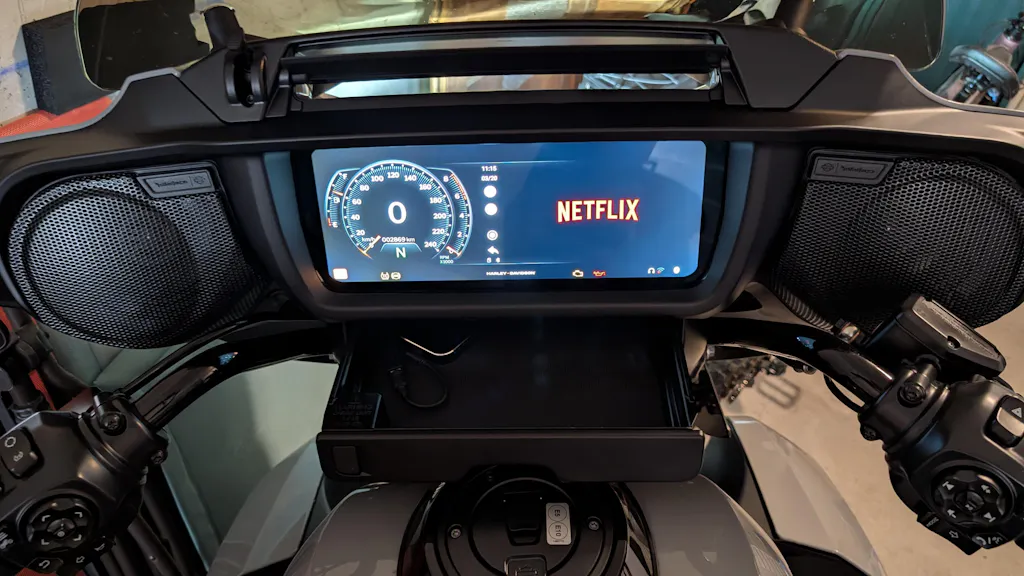
Frank Bünger
"The Onince Z3 runs very well on a 2025 Harley Street Glide. I am very satisfied. Keep up the good work."
Verified Amazon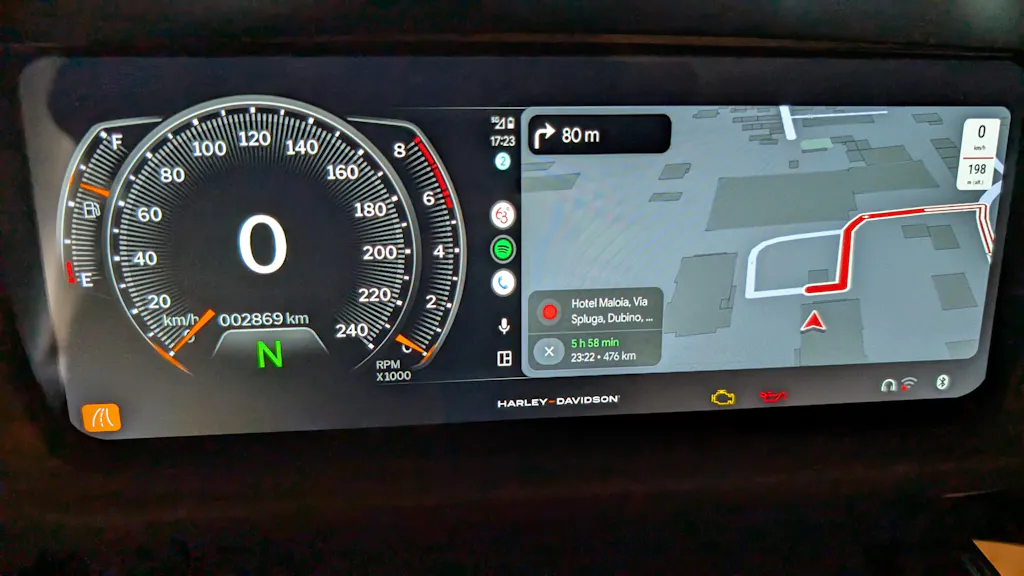
Harley Wanderer
"Just installed my z3 box, the instructions were clear and straight forward. So far, so good. It doesn't have a pass though usb c, so I'll have to install a hard wired cable to charge my phone. No big deal."
Verified Amazon💬 What Riders Say
"Took 30 seconds to set up. Literally plug, pair, ride. Google Maps on my Harley screen is a game changer for long hauls. No more stopping to check my phone."
"Was skeptical about wireless but the Z4 connects before I even start the engine. My Sena helmet pairs perfectly alongside it. No conflicts at all."
"Had a connection issue at first — turned out my Skyline OS needed an update. After that, flawless. Customer support walked me through it in 10 minutes."
Built by Riders, for Riders

About Us
We started as a group of Harley enthusiasts who were tired of clunky phone mounts and dead batteries from GPS. Every ride should be about the road, not fumbling with your phone.
Our team designs, tests, and ships every module from our facility. We ride what we build — and we stand behind it.
🏭 Factory Direct
No middlemen. Quality controlled at every step.
👥 Rider Team
Every team member rides. We test on real roads.
🎯 Mission
Make every Harley ride safer and more connected.
📖 Story
Founded 2019. 50,000+ riders served worldwide.
Free Shipping
Free worldwide shipping
30-Day Returns
No questions asked
1-Year Warranty
Full replacement guarantee
Secure Checkout
SSL encrypted & PCI compliant
Real Questions, Real Answers
2. Delete the current Android Auto app and reinstall the latest version from the Google Play Store.
3. Make sure your Bluetooth helmet or bypass is paired with the Harley before connecting the ONINCE module.
2. Next, connect the AI Box to the motorcycle. The AI Box will automatically restart to calibrate the screen resolution.
3. This step is very important. If the vehicle cannot connect, it is very likely due to this reason. After the AI Box finishes calibration, power off your Harley for one minute before trying again.
4. If all the steps above have been followed correctly but the AI Box still does not start, try resetting the Harley motorcycle's infotainment system. After that, unplug and then re-plug the AI Box to see if it starts working properly.
2. If this is your first time using CarPlay and the prompt keeps appearing, try pulling the main fuse for a few minutes, or reset your bike's stereo system.
© 2026 ONINCE. Not affiliated with Harley-Davidson Motor Company. All product names, logos, and brands are property of their respective owners.